md-viewer A Markdown reader for the desktop Version 0.3.0 MIT licence GitHub

A desktop reader for Markdown

md-viewer opens a .md file and shows it the way a good read-later app shows an article.
md-viewer notes.md Install Source
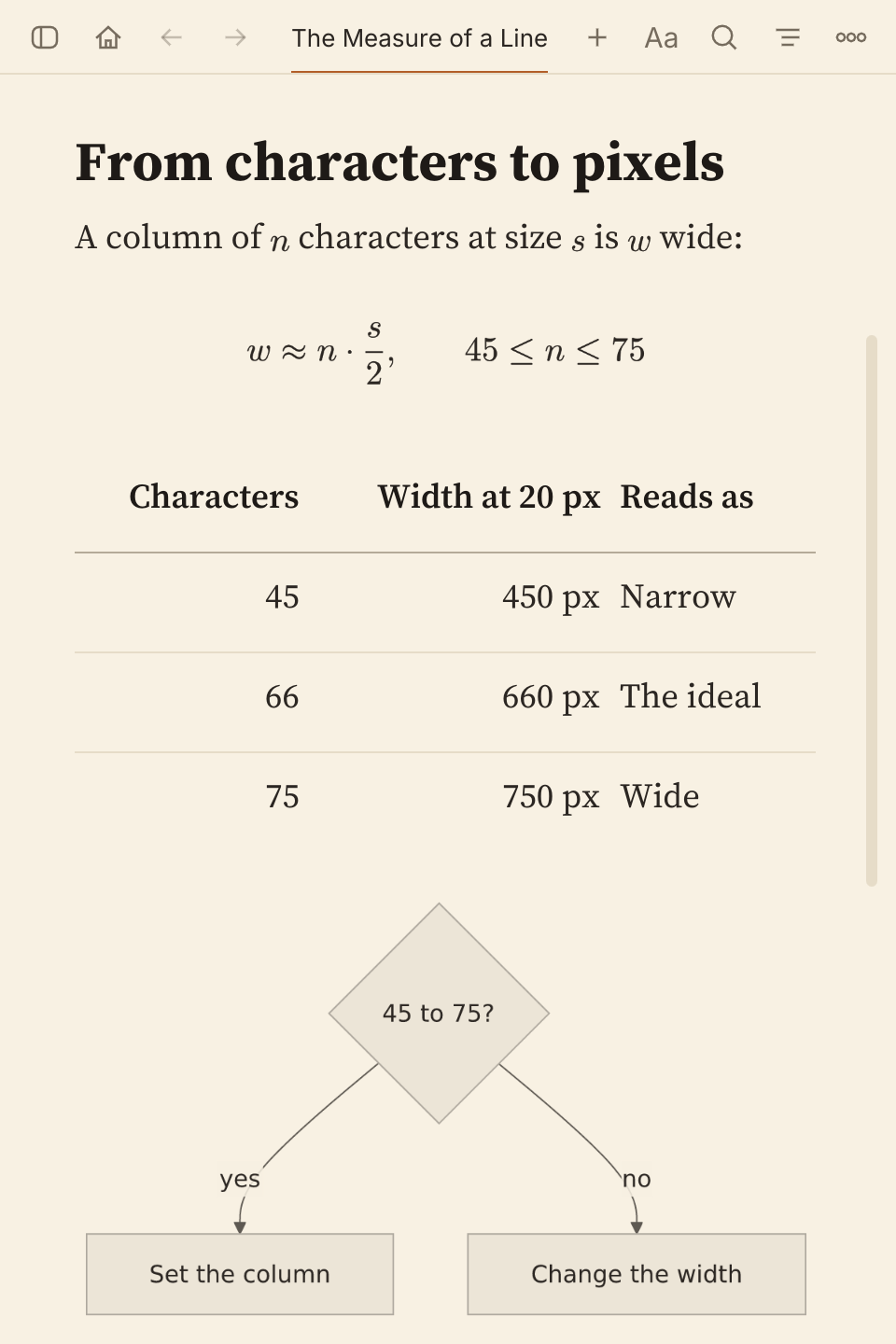
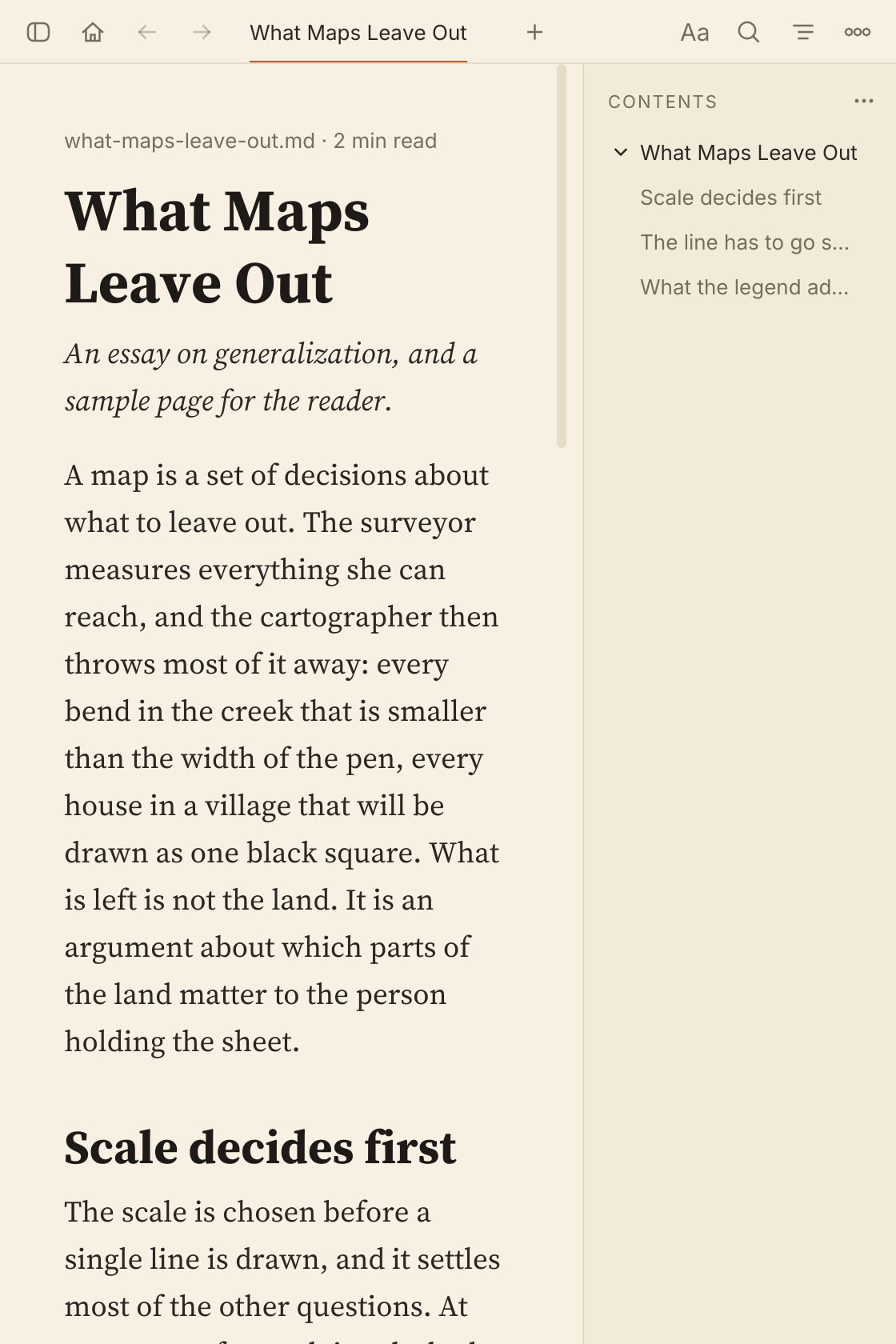
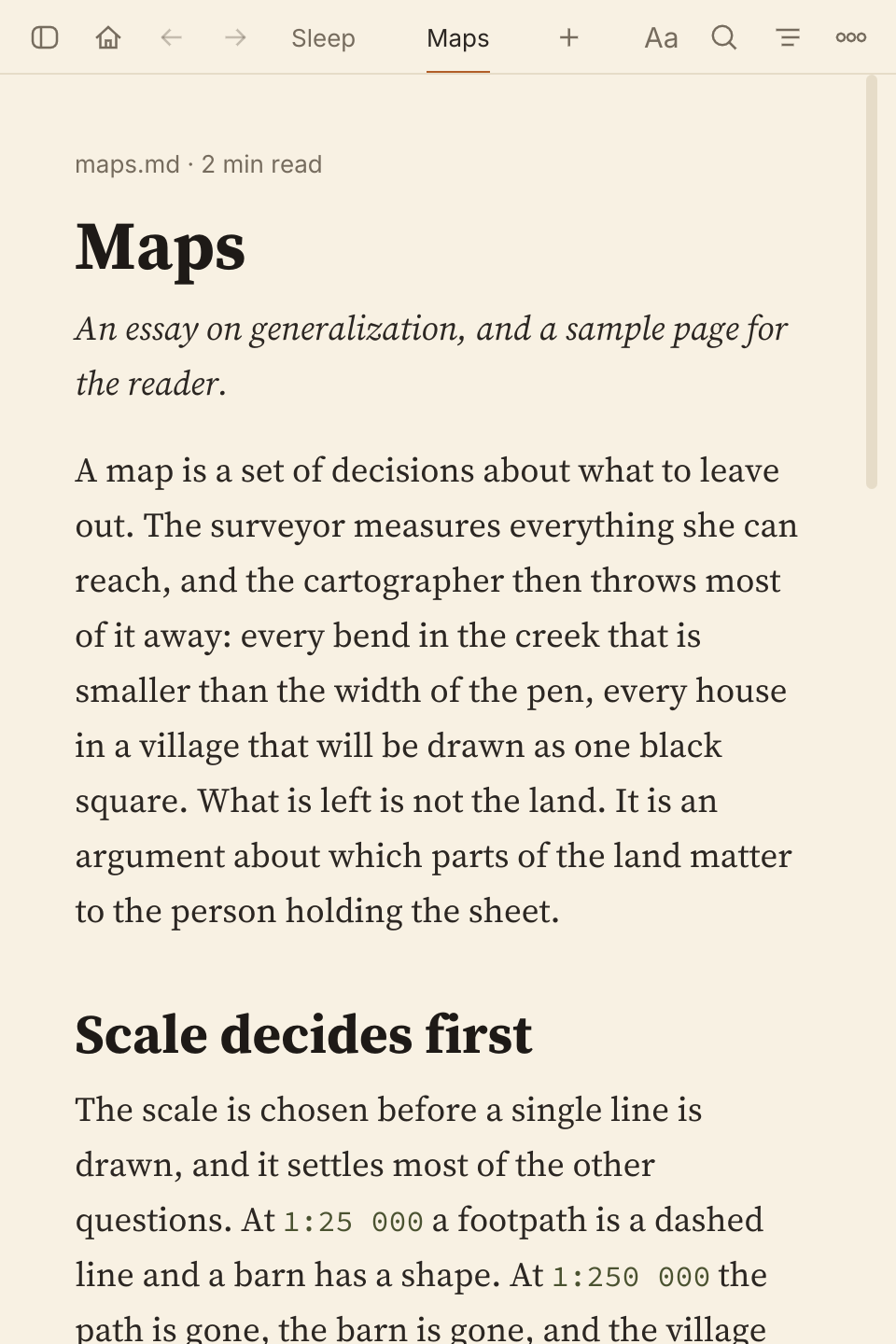
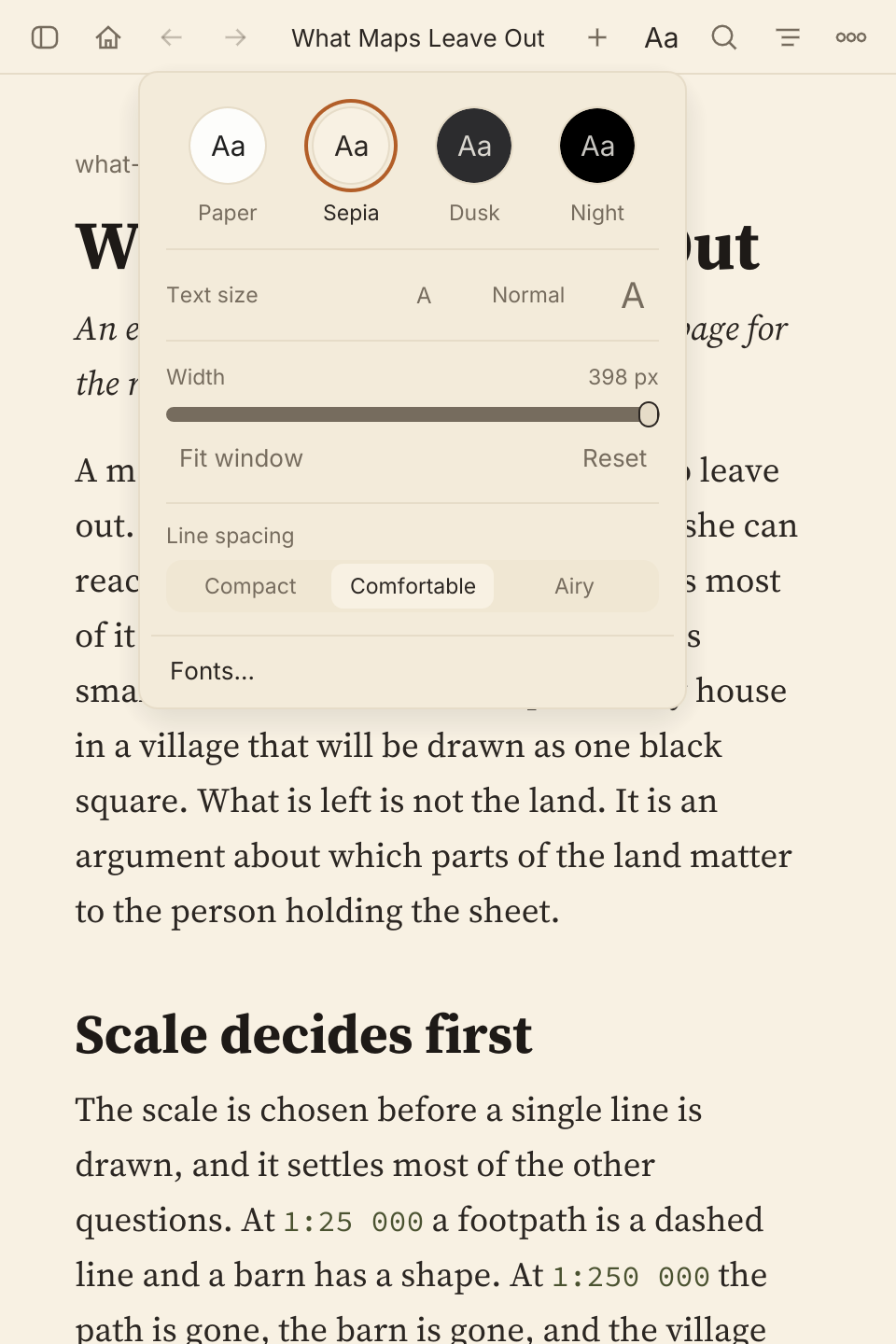
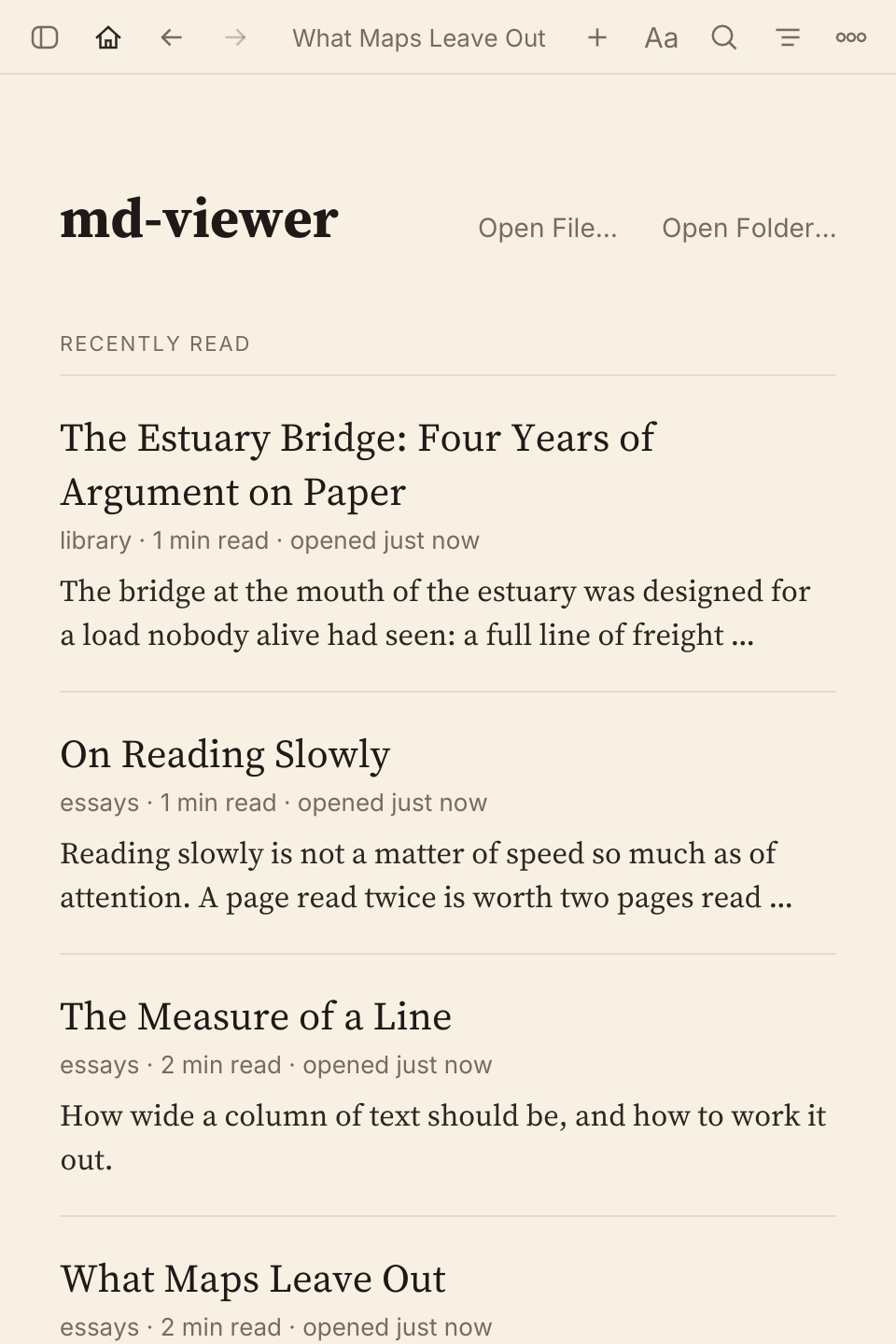
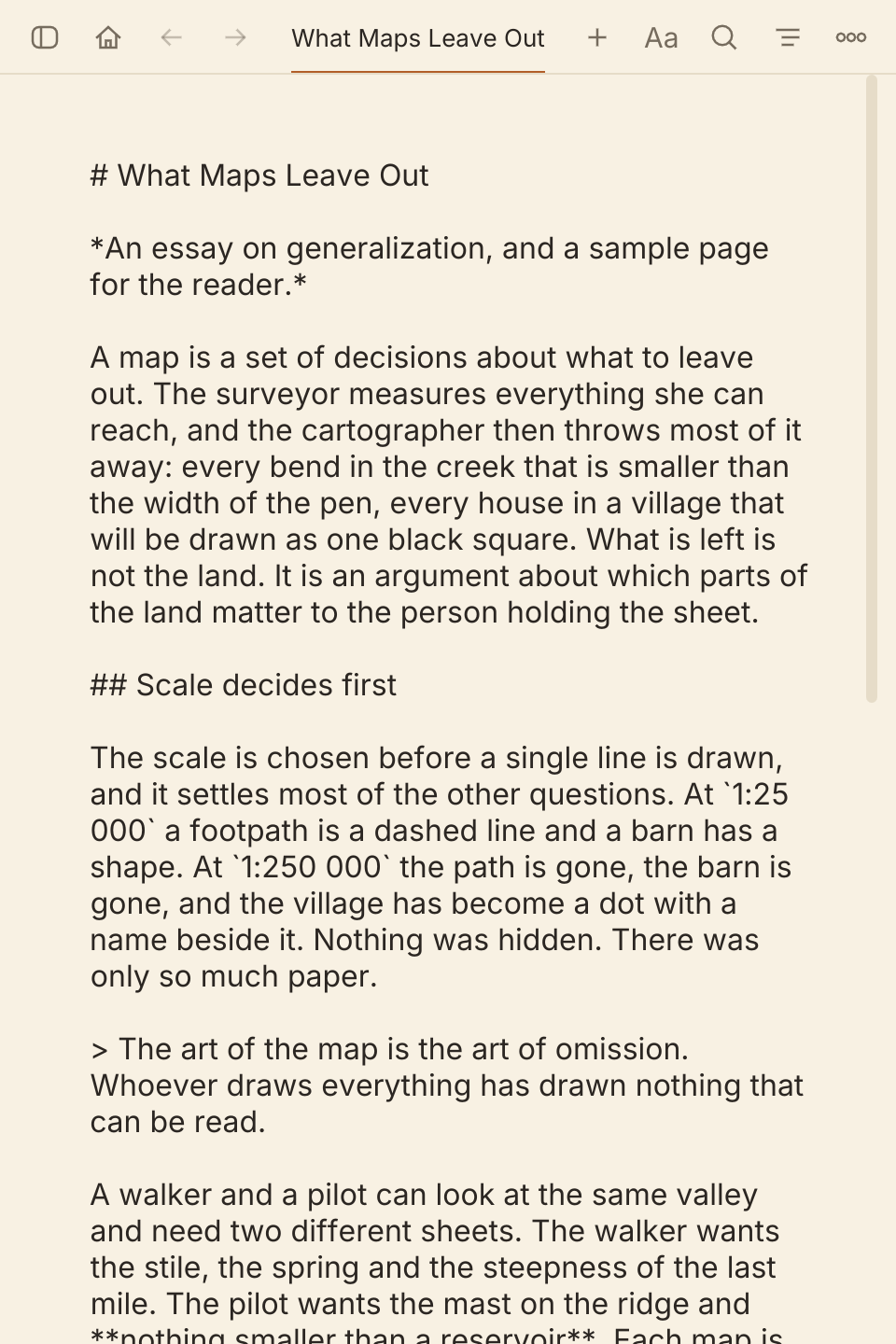
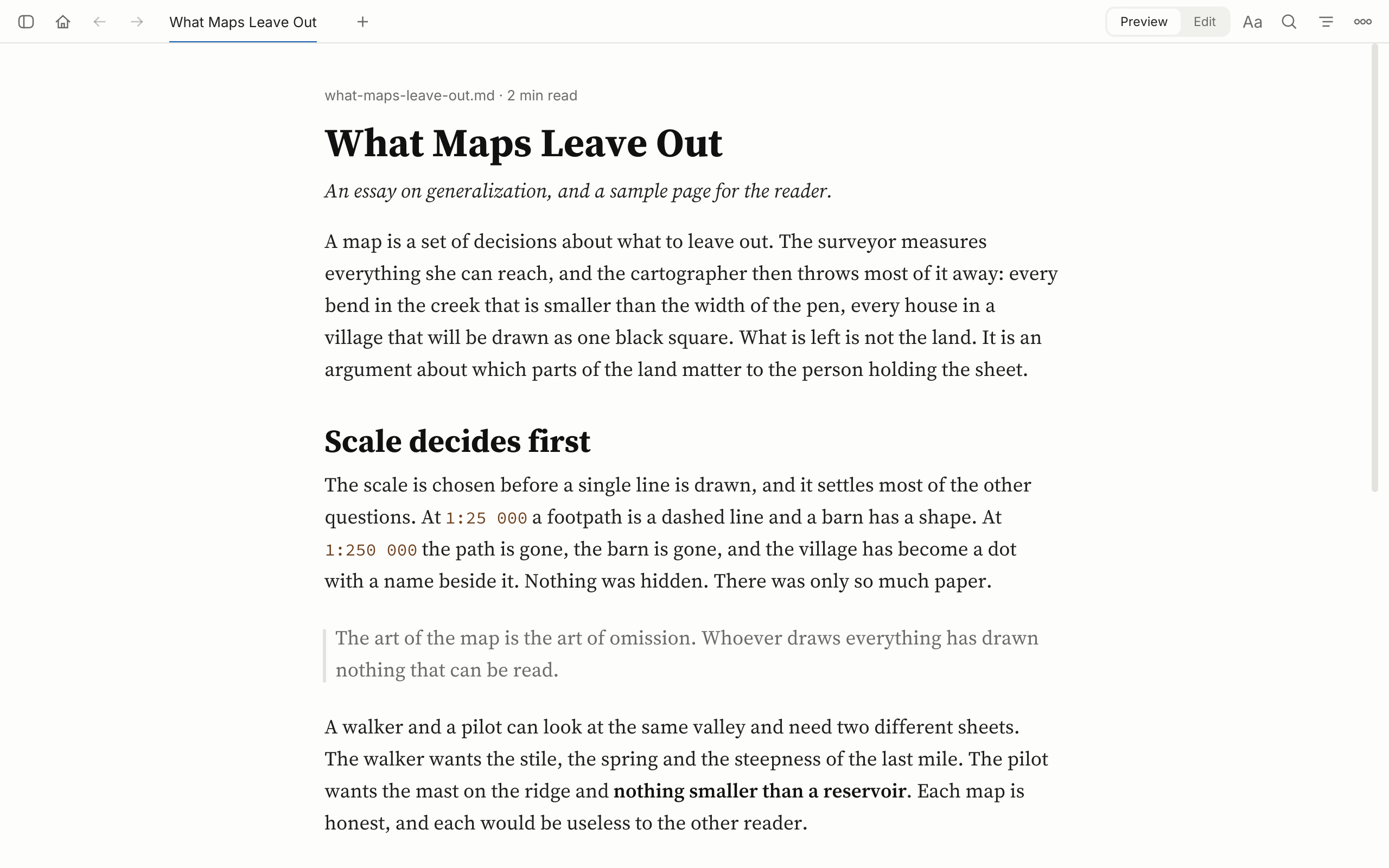
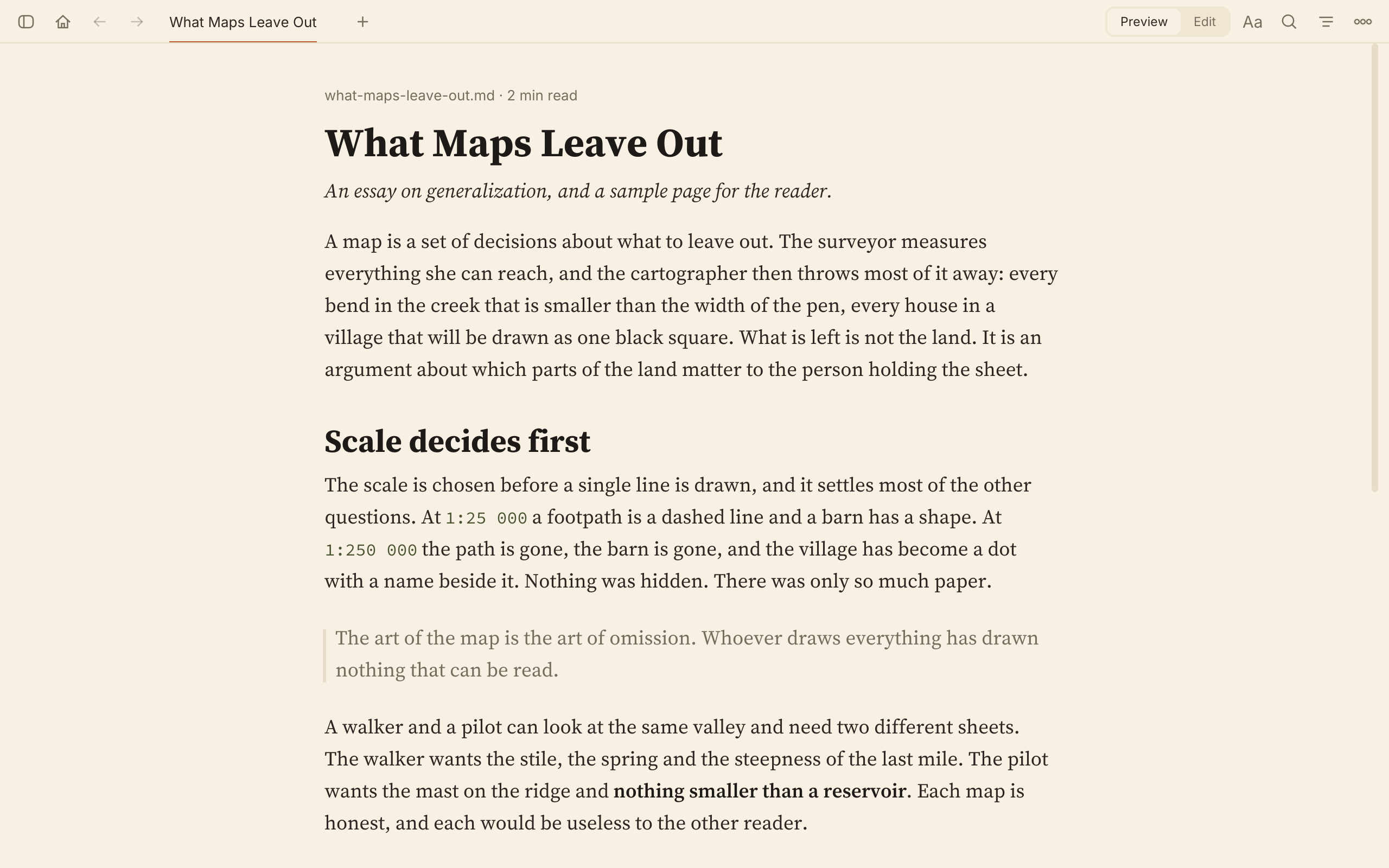
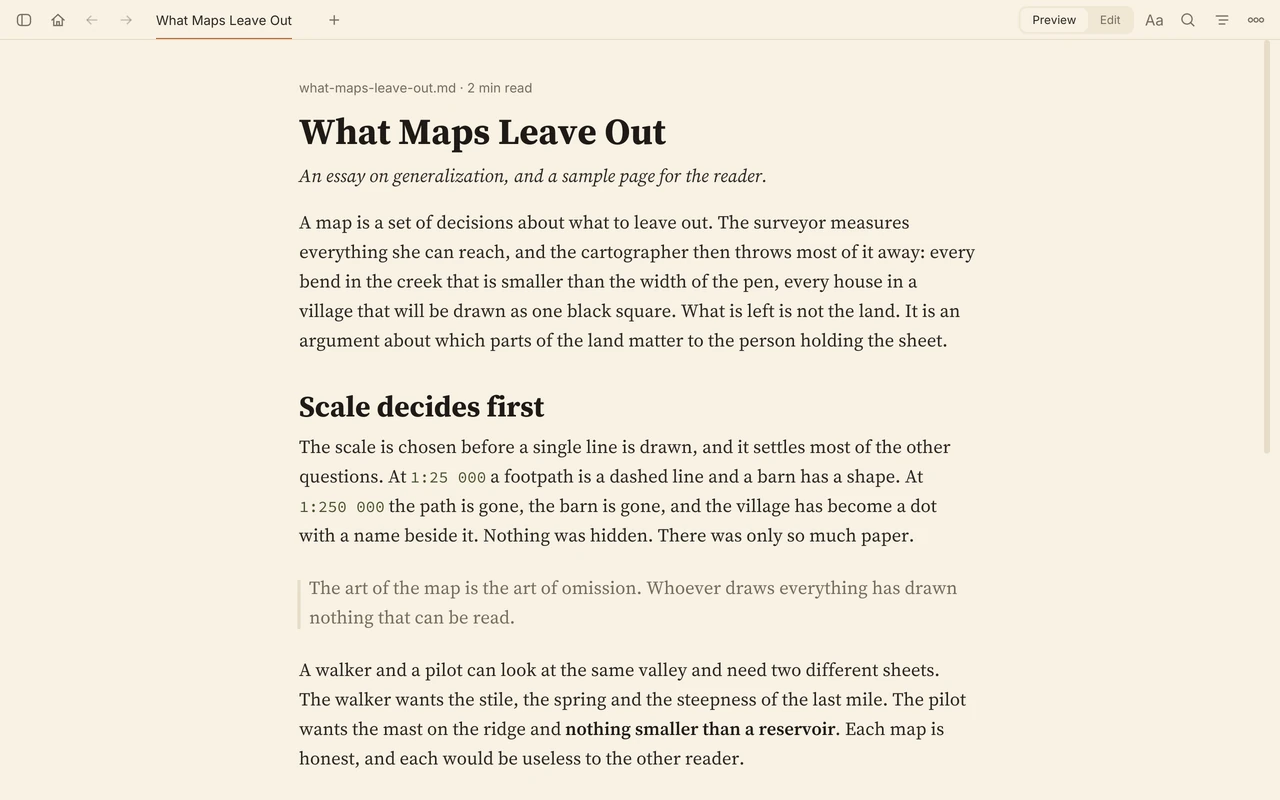
md-viewer on the Sepia theme. An essay, What Maps Leave Out, is set in a centered column of serif text on warm paper, under a single row that holds one tab and a few buttons. An essay, The Measure of a Line, in a narrow window. It shows a displayed formula, a table with right-aligned numbers and a Mermaid flowchart drawn from top to bottom, all in the Sepia theme's colors. An essay, The Measure of a Line, showing a displayed formula, a table with right-aligned numbers and a Mermaid flowchart, all in the Sepia theme's colors. md-viewer in a narrow window with the contents sidebar open. The essay is on the left, and the outline of its four headings is on the right. md-viewer with both sidebars open. A list of three Markdown files is on the left, the essay is in the middle, and the outline of its headings is on the right. md-viewer in a narrow window with two documents open as tabs in the top row, named Sleep and Maps after their first headings. Maps is in front. md-viewer with documents open as tabs in the top row, each named by its first heading. The last one, What Maps Leave Out, is in front. The Aa popover open over a document in a narrow window. It holds four theme swatches with Sepia chosen, the text size at Normal, a width slider at 398 px with Fit window and Reset, three line spacings with Comfortable chosen, and Fonts. The Aa popover open over a document. It holds four theme swatches with Sepia chosen, the text size at Normal, a width slider at 680 px with Fit window and Reset, three line spacings with Comfortable chosen, and Fonts. The md-viewer home page in a narrow window. Under the heading Recently read are four documents, each with its title, folder, reading time and opening lines. Open File and Open Folder are at the top right. The md-viewer home page. Under the heading Recently read are the documents opened last, each with its title, folder, reading time and opening lines. Open File and Open Folder are at the top right. Edit mode in a narrow window. The essay's Markdown source is shown as plain text in the same column. Edit mode. The essay's Markdown source is shown as plain text in the same column, with the Edit half of the Preview and Edit switch chosen.

A centered column of serif text on one sheet of paper, and nothing else on screen until you ask for it.

LaTeX formulas and Mermaid diagrams are drawn as ink on the page in the theme's own colors.

A file list on the left and a table of contents on the right, which marks the heading you are reading.A table of contents on the right marks the heading you are reading; a wider window adds a file list.

Tabs sit in the top row, each named by its document's first heading, with back and forward history in each.

The Aa button holds the theme swatches, the text size, a width slider and three line spacings.

The home page lists recent documents with their title, folder, reading time and opening lines.

Ctrl+E shows the source as plain text and Ctrl+S saves; it is for the typo you just noticed.

Ctrl+D steps through them

Four themes

Paper, Sepia, Dusk and Night. Each one is a single palette that every part of the window draws from, and body text keeps at least 7:1 contrast on all four.
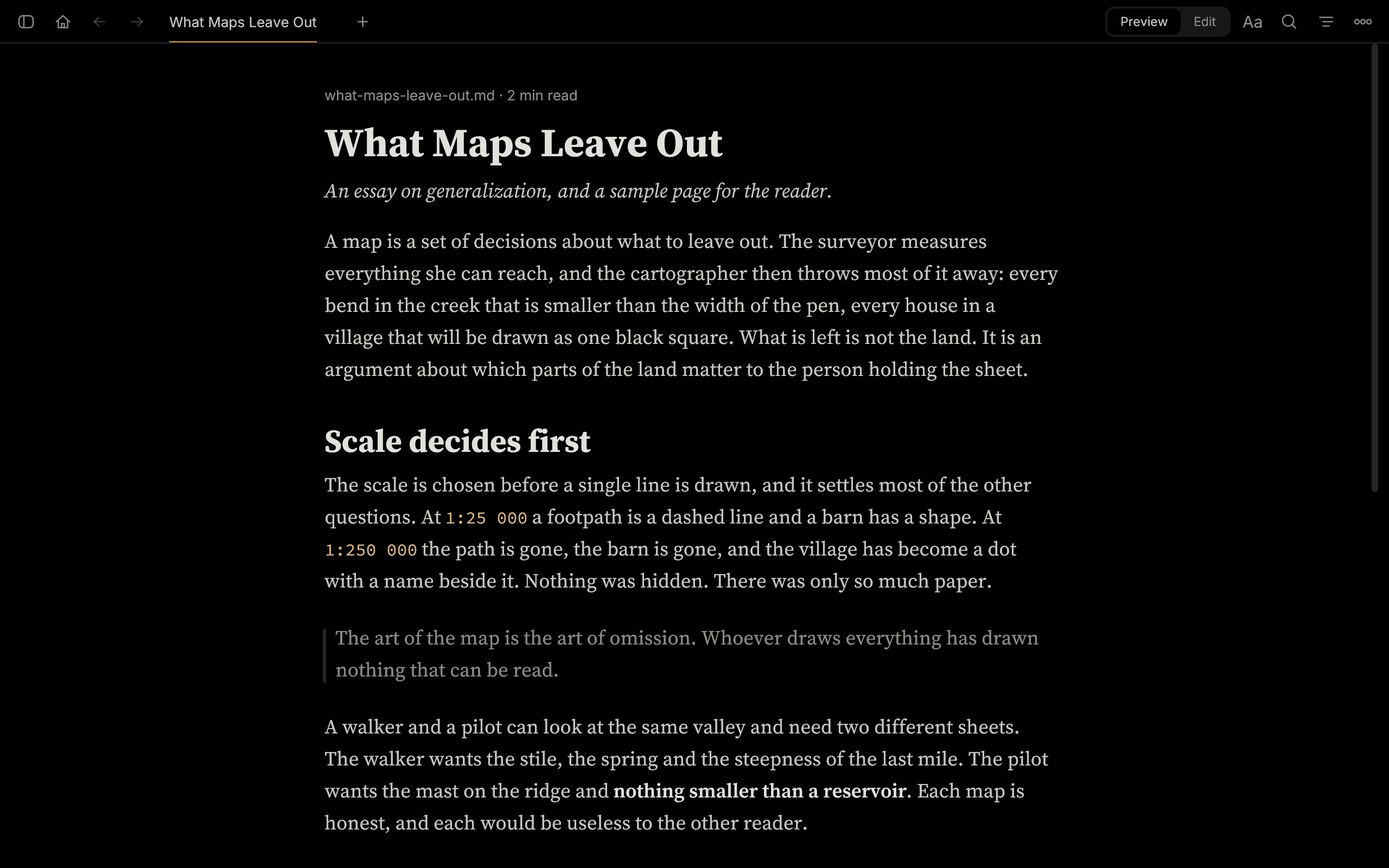
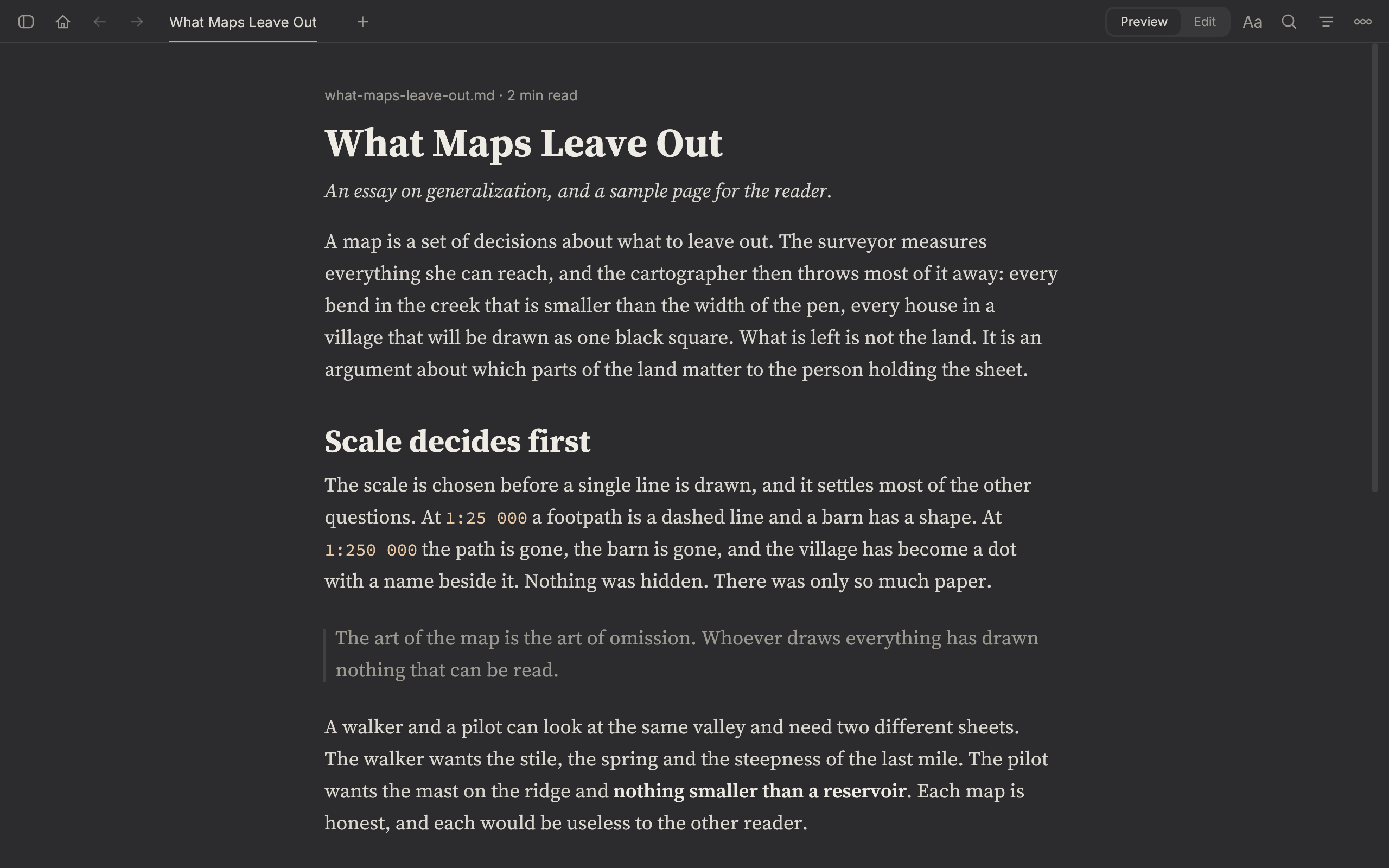
The same essay on the Night theme: gray text on black. The same essay on the Dusk theme: light text on dark gray. The same essay on the Paper theme: near-black ink on off-white. The same essay on the Sepia theme: dark brown ink on warm paper.
  • Paper
  • Sepia
  • Dusk
  • Night

Questions

Is it an editor?

No. There is an edit mode (Ctrl+E) that shows the source as plain text and saves with Ctrl+S. It is for the typo you just noticed.

Does it run on a Mac?

CI type-checks the code for macOS and Windows. The reader has not been run on either. Linux on X11 is built and run for every change.

Is there a package?

Not of this reader. Build it from source. The md-viewer on crates.io, the Snap Store and the AUR is the upstream project.

Can I use my own font?

Yes. Other presets and any installed font family are under Aa, then Fonts…

Does it follow the file while I write?

Yes. Live reload is on unless you turn it off.

How long a document can it take?

Tens of thousands of lines scroll less smoothly. The README lists this under known limits, with the others.

Install

From source
git clone https://github.com/PhillipChaffee/md-viewer
cd md-viewer
cargo build --release
make install

You need a Rust toolchain. The version is pinned in rust-toolchain.toml, and rustup installs it on the first build. make install copies the binary to ~/.local/bin.

The system packages for Debian, Ubuntu and Arch Linux are in the README. The source is at github.com/PhillipChaffee/md-viewer, under the MIT licence.